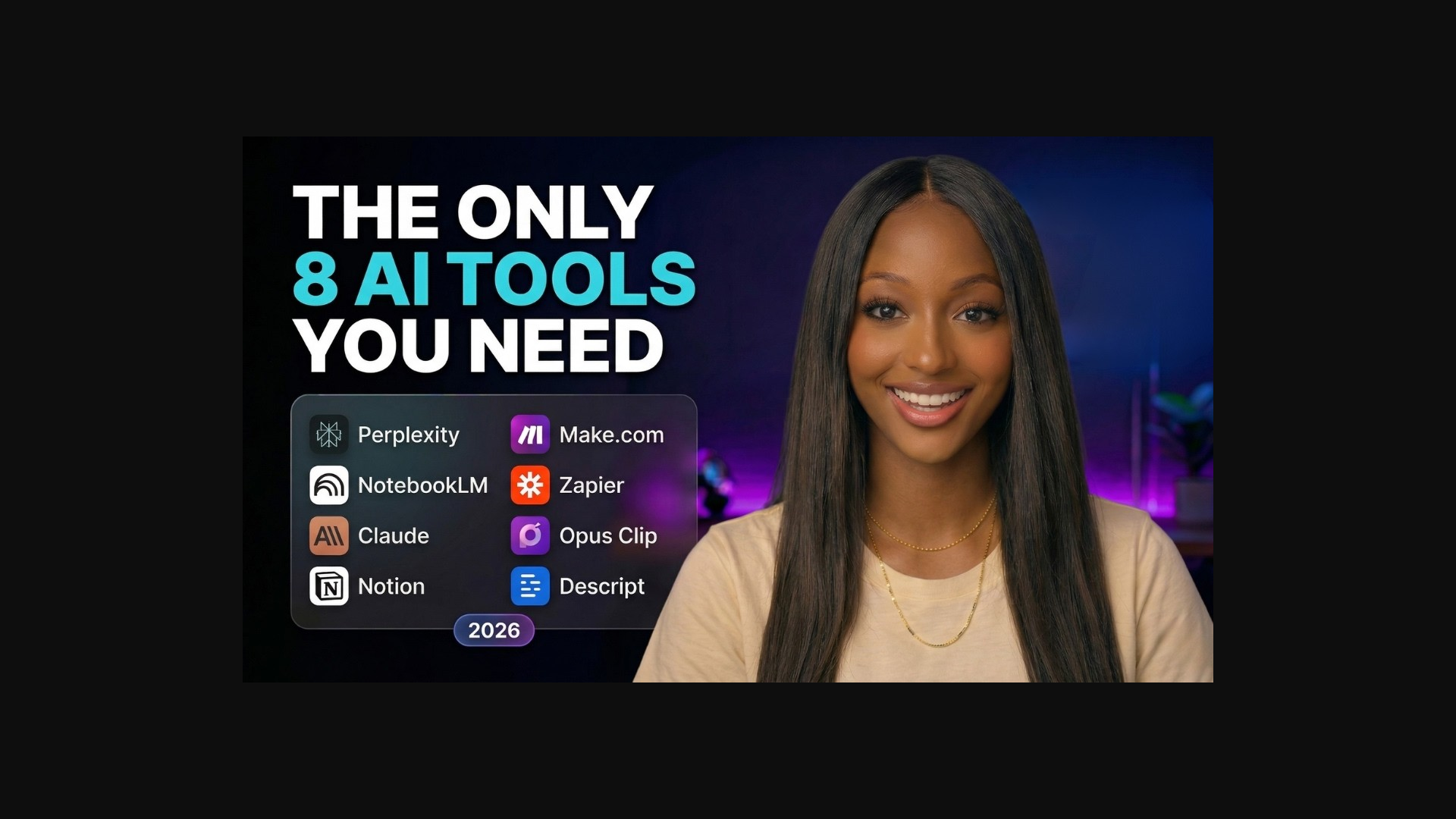
The AI tool market is overwhelming. Every week there is a new "game-changer" that promises to 10x your productivity. Most of them are noise.
After testing dozens of tools, here is the stack I actually use every day. Eight tools. That is it. Each one earns its place by saving me real hours.
1. Claude (The Brain)
Claude is my thinking partner. I use it for research, writing, analysis, and brainstorming. The Projects feature is what makes it indispensable — I have separate projects for content, research, and client work.
Claude has the largest context window and best instruction-following of any AI I have tested. When you give it a good system prompt, it consistently produces output that sounds like you.
2. Kimi K2.6 (The Researcher)
I am actively testing Kimi K2.6 for long-form research and writing. Its context memory is exceptional — it remembers details from 20+ messages back, which matters when you are building a 2000-word piece.
3. HeyGen (The Avatar)
For avatar-based videos, HeyGen is the best I have found. The lip-sync is genuinely impressive, and the avatars look natural — not uncanny. I use it for explainer content where being on camera is not the priority.
4. ElevenLabs (The Voice)
I cloned my own voice and use it for voiceovers when I do not want to record manually. The quality is good enough that most viewers do not notice the difference.
5. Make.com (The Automation)
Make.com runs my content pipeline: new video idea → Notion entry → draft created → thumbnail request sent. I switched from Zapier because the visual builder makes complex workflows easier to understand.
6. Notion (The Home Base)
Every creator needs a calm home base. Notion is mine. Video ideas, script drafts, resource links, and publishing schedules — all in one place. The built-in AI features are getting surprisingly good too.
7. Canva (The Visuals)
Thumbnails, social posts, lead magnets — Canva handles it all. I design once, then reuse the same visual language across everything.
8. Airtable (The Tracker)
I track what is filmed, edited, published, and ready to repurpose. A structured view keeps me honest about my content pipeline.
Do not add a new tool until an existing one is clearly failing. The goal is a small, reliable stack — not a collection of subscriptions.
Frequently asked questions
How much does this 8-tool stack cost per month?
Just over $100/month at full list prices — but almost every tool here has a free tier. Start free, then upgrade only the one or two tools that are clearly saving you the most hours.
Which AI tool should a solopreneur start with?
Claude. It covers the widest range of daily work — writing, research, planning, analysis — and the Projects feature means the time you invest in setup pays off in every future session.
Do I really need all eight tools?
No. Start with Claude plus Notion and add tools only when a specific task keeps eating your time. The rule: don't add a new tool until an existing one is clearly failing.
See detailed reviews of each tool in the AI Tools Library.
Browse AI Tools →